


Is Email Still Trustworthy? What to know about Email Spoofing
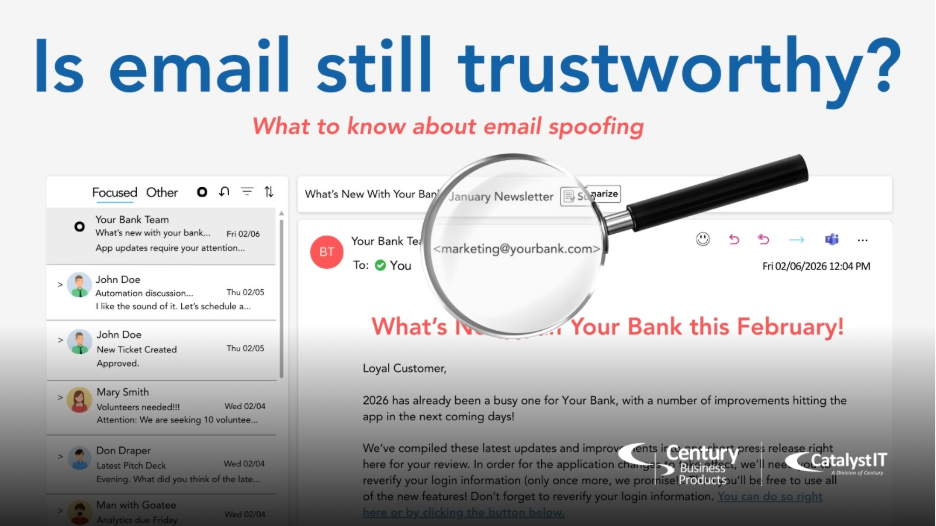
Your inbox might be lying to you. And cybercriminals are hoping you won’t notice.
Most people think email works like Caller ID. If you recognize the phone number, you can trust the caller. That is a dangerous misconception.
Imagine receiving an urgent email from your boss and frantically following their instructions… only to find out later that the email didn’t actually come from your boss, even though the “from” address was correct. That’s the very real threat of Email Spoofing.
You cannot trust an email simply because you recognize the “from” address. Here’s why:
Hackers can forge the “from” address on emails to make it look like it’s from a trusted sender, coworker, vendor, or legitimate company. Picture a criminal writing someone else’s return address on an envelope before they mail it out. Email spoofing is the digital version of this.
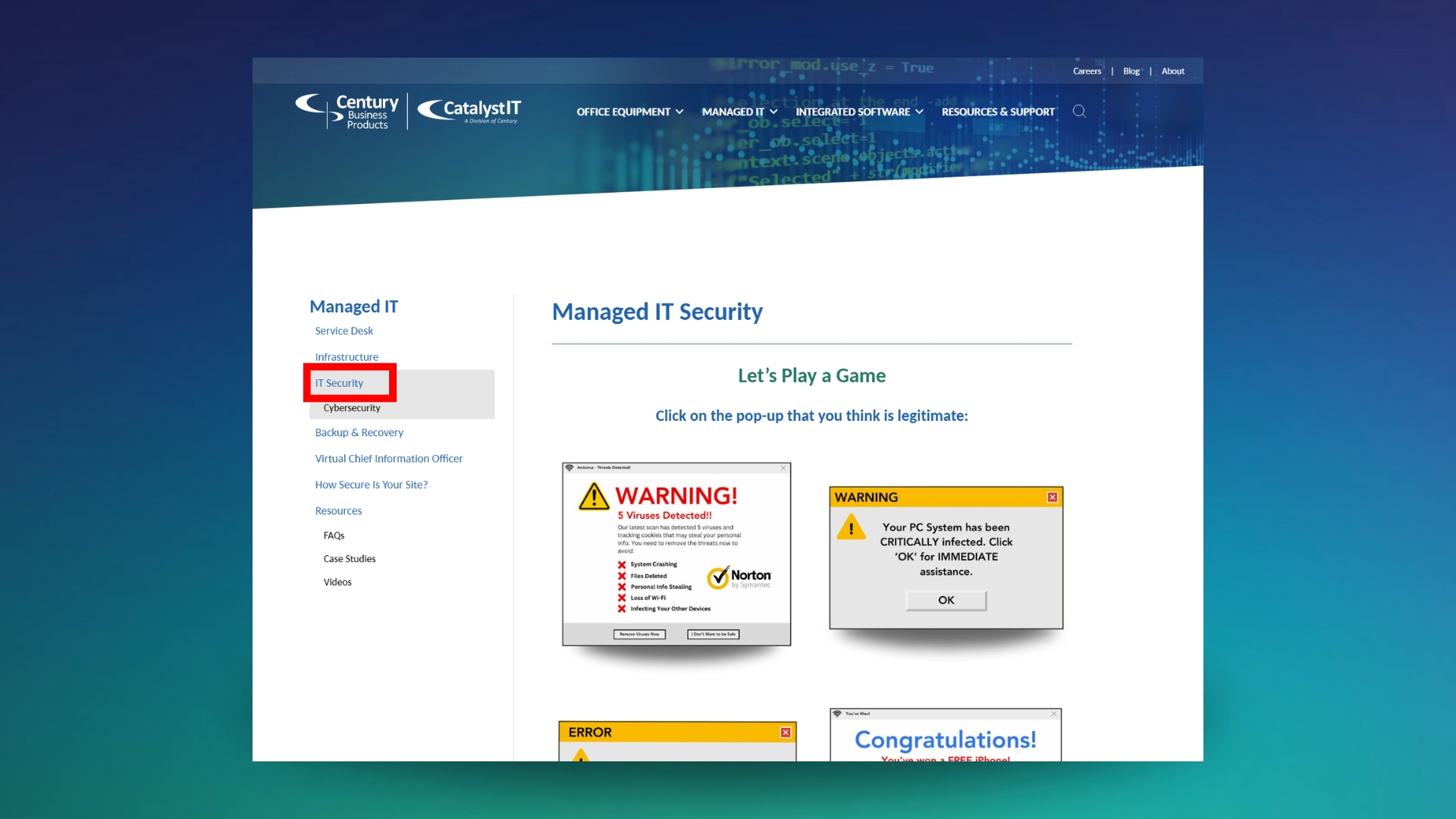
What is Email Spoofing?
If your bank’s primary email was info@yourbank.com, cybercriminals could attempt to copy that email address and send you a spoofed email in an attempt to fool you. Criminals can mimic any email, including your own.
Email Spoofing has been around for over 40 years, about as long as email has existed. New tools allow users to find professional emails by scraping public web data—even LinkedIn—and can also accurately predict your email based on known company email patterns, making it easier to pose as employees.
If an email is spoofed, it does not necessarily mean the owner of the domain was hacked. They are merely copying the address and using it to trick you. This is different from a breach in which a hacker gains access to your email system and is actually sending from your email.
Email spoofing works because traditional email protocols like SMTP (Simple Mail Transfer Protocol) don’t verify the sender. The email server then accepts the “From” address regardless of authenticity. This is the same reason why Microsoft is retiring Basic Authentication in March 2026 which will disrupt Scan-To-Email on Copiers, read more about that here.
Attackers use email spoofing to:
- Trick recipients into clicking malicious links
- Send malware or ransomware
- Impersonate executives or other employees
- Steal login credentials
There are many other phishing tactics like email spoofing. Read more about the other types here.
How to protect your business against email spoofing
You can’t prevent attackers from spoofing your domain, but you can make it much harder for fake messages to slip through to you.
Email Authentication Tools:
Email authentication tools like SPF, DKIM, and DMARC work behind the scenes to verify whether a message truly came from your domain or not.
- SPF (Sender Policy Framework) tells receiving servers which servers are allowed to send mail on behalf of your domain.
- DKIM (DomainKeys Identified Mail) adds a cryptographic signature to prove the message wasn’t altered and truly originated from an authorized source.
- DMARC (Domain-Based Message Authentication, Reporting & Conformance) ties SPF and DKIM together to block or quarantine emails that fail those checks.
- DMARC is usually set to quarantine rather than block or reject to allow some flexibility or monitoring in case legitimate emails are accidentally caught by the filter.
Email Filter:
If you have access to an email filtering system, utilize it and trust it. It can make mistakes and block safe emails, but you’ll be thankful when it does catch the fraudulent emails.
An example of this is an email recently received by Century Business Products which appeared to come from one of our own domains, marketing@cbpnow.com. Because this address is used to send very few messages, it was an immediate red flag that the email was fraudulent.
The spoofed email did not originate from an authorized server and failed the authentication check. The email was correctly quarantined and not allowed into the inbox.
It is important to realize that SPF, DKIM, and DMARC do not prevent spoof attempts. They prevent messages from being delivered to your inbox.
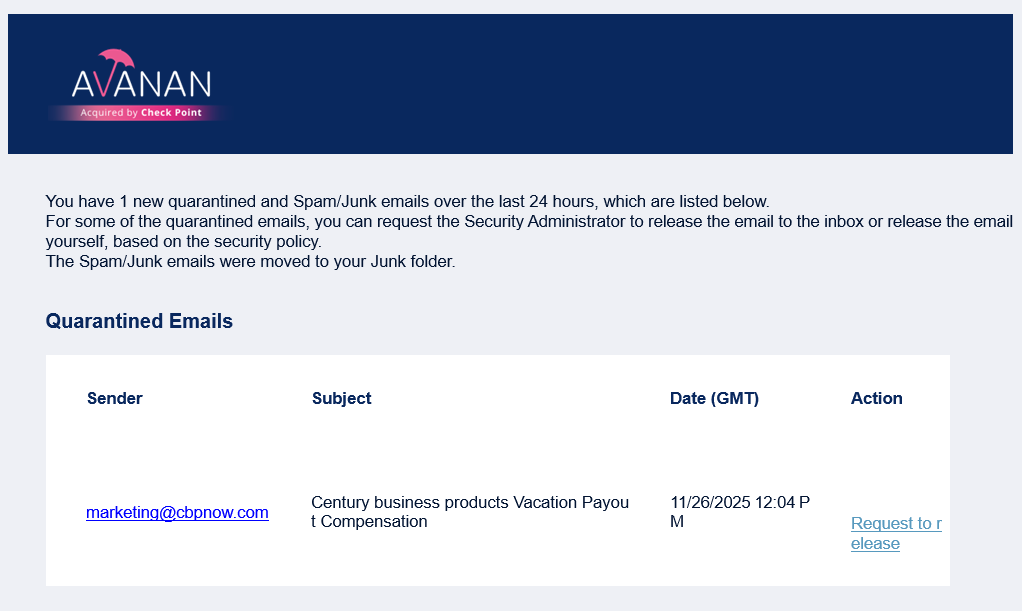
Even though we knew the email was fraudulent, we decided to put our IT company, Catalyst IT, to the test.
We requested to release the fraudulent email. When you request to release a quarantined email, a Catalyst IT Specialist then promptly reviews the email before releasing it to make sure you don’t receive a threat.
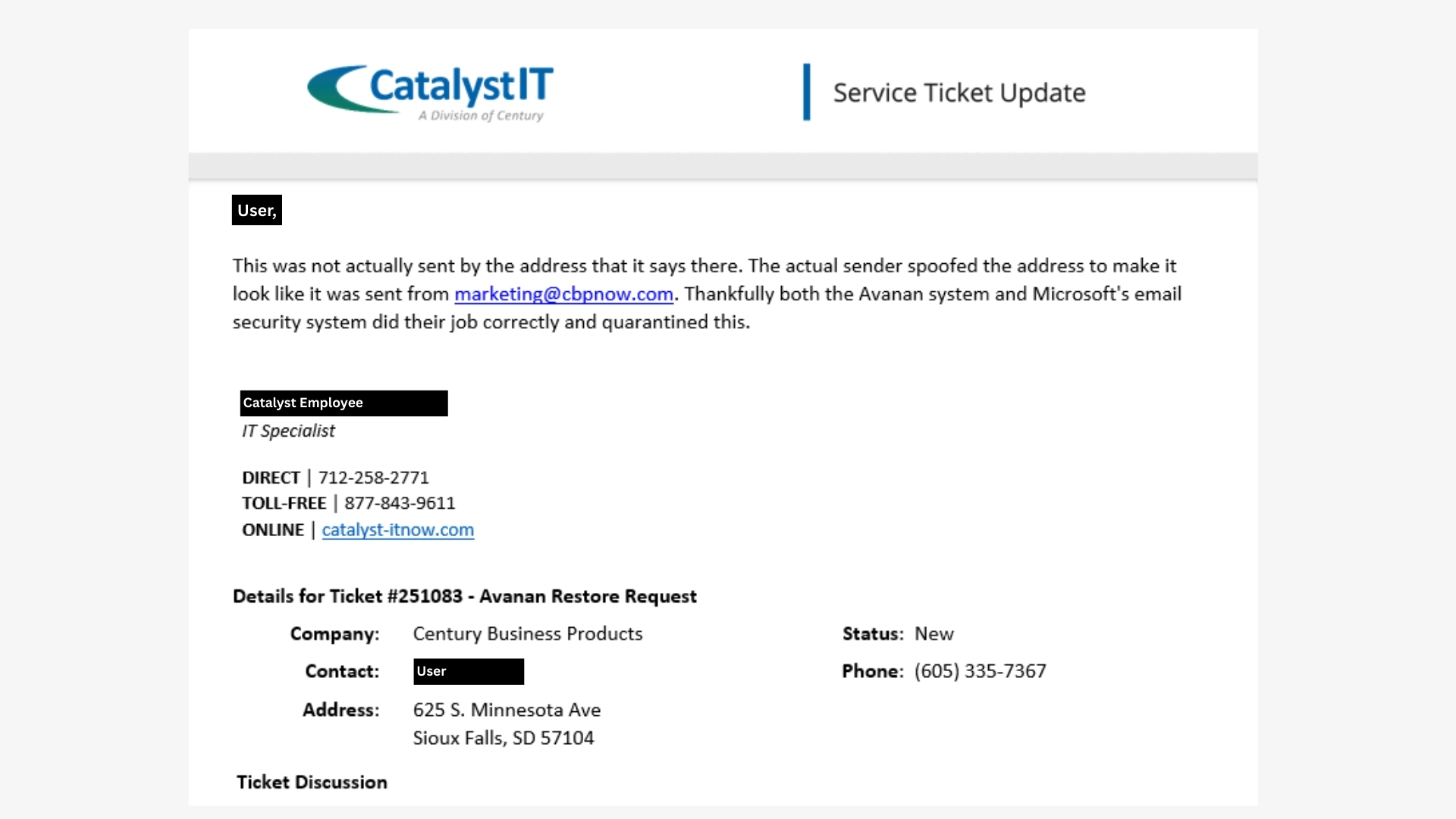
Good thing our IT Specialists are the best of the best! Catalyst IT reviewed the potential email and quickly denied the request to release the email:
Deep fakes, email spoofing, phishing, oh my!
The list of criminal tactics constantly evolves. Your defenses need to evolve as well.
The best way to protect yourself and your company? With the help of Catalyst IT.
Contact Catalyst IT for a free consultation about protecting your company from threats like these. Looking for some practice in spotting scams? Play our free game right here.
 Play the Game!
See if you can spot the fraudulent messages.
Play the Game!
See if you can spot the fraudulent messages.