


Five Ways to Improve Your Tech Hygiene
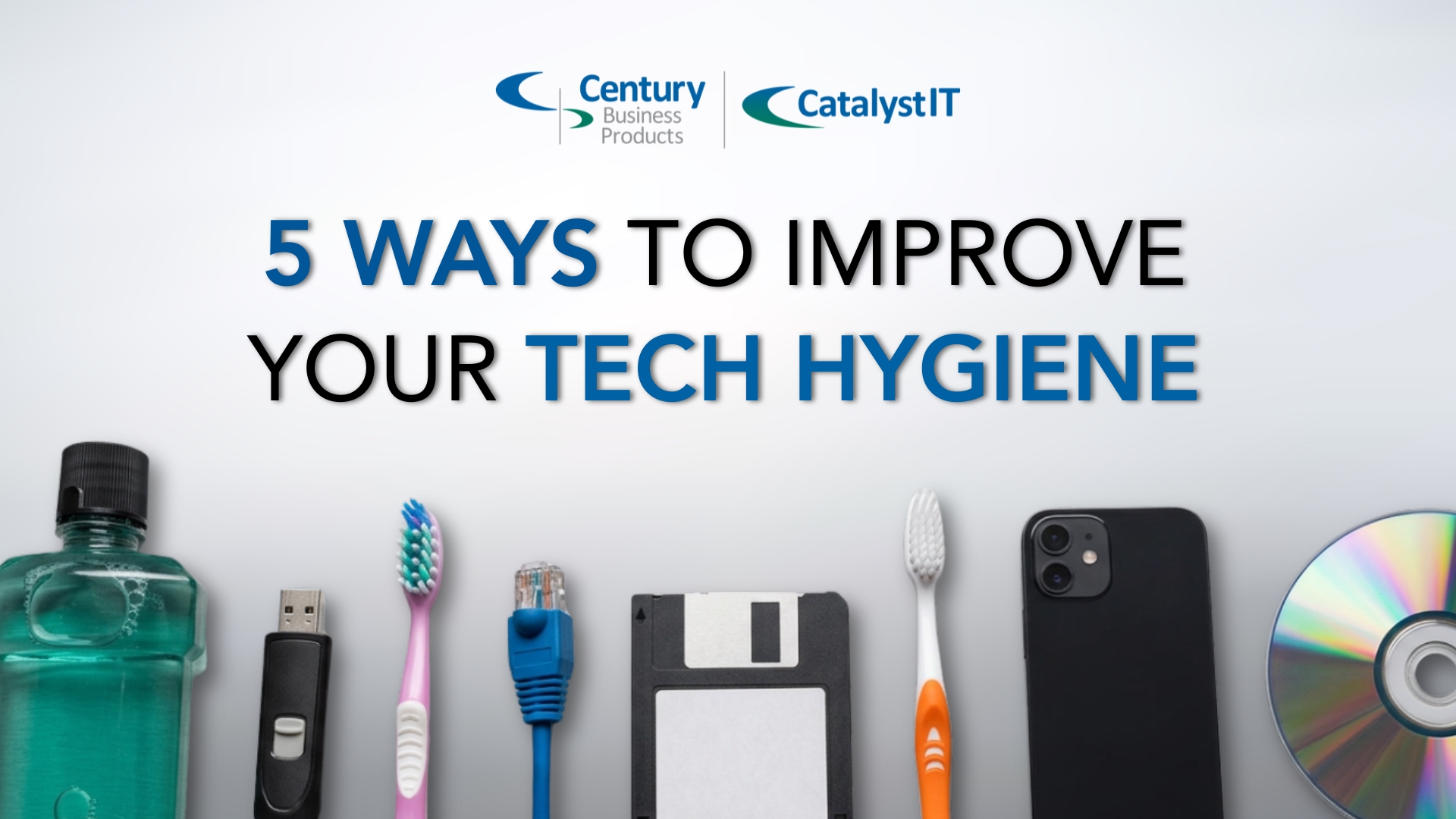
Just as spring is the perfect time to clean out an old closet or finally go through your desk drawers, it is also the perfect time to clean up your technology. Technology often gets overlooked when people think of spring cleaning—but it is just as important.
Password fatigue, messy file storage, unused tools, and even dirty keyboards quietly add friction and risk over time. A little technology hygiene now can prevent bigger problems later.
These five spring cleaning tips focus on realistic steps that you can take to improve your technology hygiene.
1. Physically Clean Keyboards and Mice the Right Way
Your keyboard and mouse might be the dirtiest technology you touch all day. Regular cleaning improves hygiene and extends hardware life.
Safe cleaning steps:
- Power down and unplug devices first
- Turn the keyboard upside down and gently shake out debris
- Use compressed air to clear between keys and the hard-to-reach spots
- Wipe surfaces with a microfiber cloth lightly dampened with isopropyl alcohol
- Clean mouse sensors and seams carefully
Things to avoid: spraying liquid directly onto devices, using household cleaners that can damage coatings, or submerging anything not designed for it.
2. Review and Remove Unused Apps and Software
Businesses accumulate tools over time that are no longer needed.
Spring is a good time to:
- Uninstall unused applications on mobile and stationary devices
- Review browser extensions
- Cancel subscriptions no one uses
- Remove duplicate tools that do the same job
- Remind employees to only use company-approved solutions
This reduces security risk, simplifies training, and lowers monthly costs. Fewer tools also means fewer passwords and fewer places sensitive data can live.
3. Use a Password Manager to Clean Up Weak and Reused Passwords
If spring cleaning is about getting rid of bad habits, password reuse is near the top of the list.
A password manager helps you:
- Generate strong, unique passwords for every system quicker than you can think of a new password
- Stop storing passwords in browsers, spreadsheets, or sticky notes
- Share credentials safely with employees when needed
- See which passwords are weak, reused, or compromised
How to get started
- Choose a reputable password manager that works on desktop and mobile
- Install the browser extension and mobile app
- Import existing saved passwords if available
- Change your most critical passwords first
- Enable multi‑factor authentication
Quick tips:
Use one strong master password you can remember and never reuse elsewhere. Turn on security alerts so you know when a password needs to be changed. Set sharing permissions instead of emailing passwords.
This one change alone can dramatically improve your business security with very little effort.
4. Clean Up Access and Permissions
Access creep happens slowly and quietly.
Employees change roles, vendors come and go, and permissions rarely get revisited.
As part of a spring refresh:
- Review who has access to critical systems
- Remove accounts for former employees
- Limit admin rights to only those who truly need them
- Verify shared folders are still appropriate
This step often pairs well with adopting a password manager, since access can be controlled and audited more easily.
5. Organize and Secure Your Digital Documents with a Document Management System
You’ve finished tossing old tennis shoes out and vacuuming behind the stove, so you turn to face the storage room. You have to re-organize it but you’re dreading it.
You’ve put it off for years. It’s a mess. Files and old keepsakes are everywhere.
What if there was an easier way to clean it out and keep it clean? For your digital files—there is.
File servers and shared drives tend to become chaotic over time. Important documents end up duplicated, misnamed, or stored in personal folders.
A document management system like Square 9 helps by:
- Storing all documents in one secure, centralized system instead of scattered folders, email, or paper
- Making files easy to find with full‑text search, indexed fields, and AI‑powered document recognition
- Using AI and automation to streamline workflows like approvals, routing, data capture, and integrations with other business systems
- Managing access, versions, and changes automatically so the right people see the right information at the right time
- Reducing risk and supporting compliance with audit trails, retention rules, and built‑in governance
Instead of cleaning the same mess every year, document management prevents clutter from building up again from the start.
You don’t have to do it alone
Does this sound like a lot of work? It can be.
It’s crucial to have good tech hygiene in our digital landscape. A partner like Catalyst IT can analyze your technology infrastructure and give you curated recommendations for the best path forward for your business.
Consider reaching out to Catalyst IT for a free consultation regarding your technology infrastructure!