


Do You Actually Need a New Copier? 3 Signs Your Scottsbluff Business Has Outgrown Its Copier
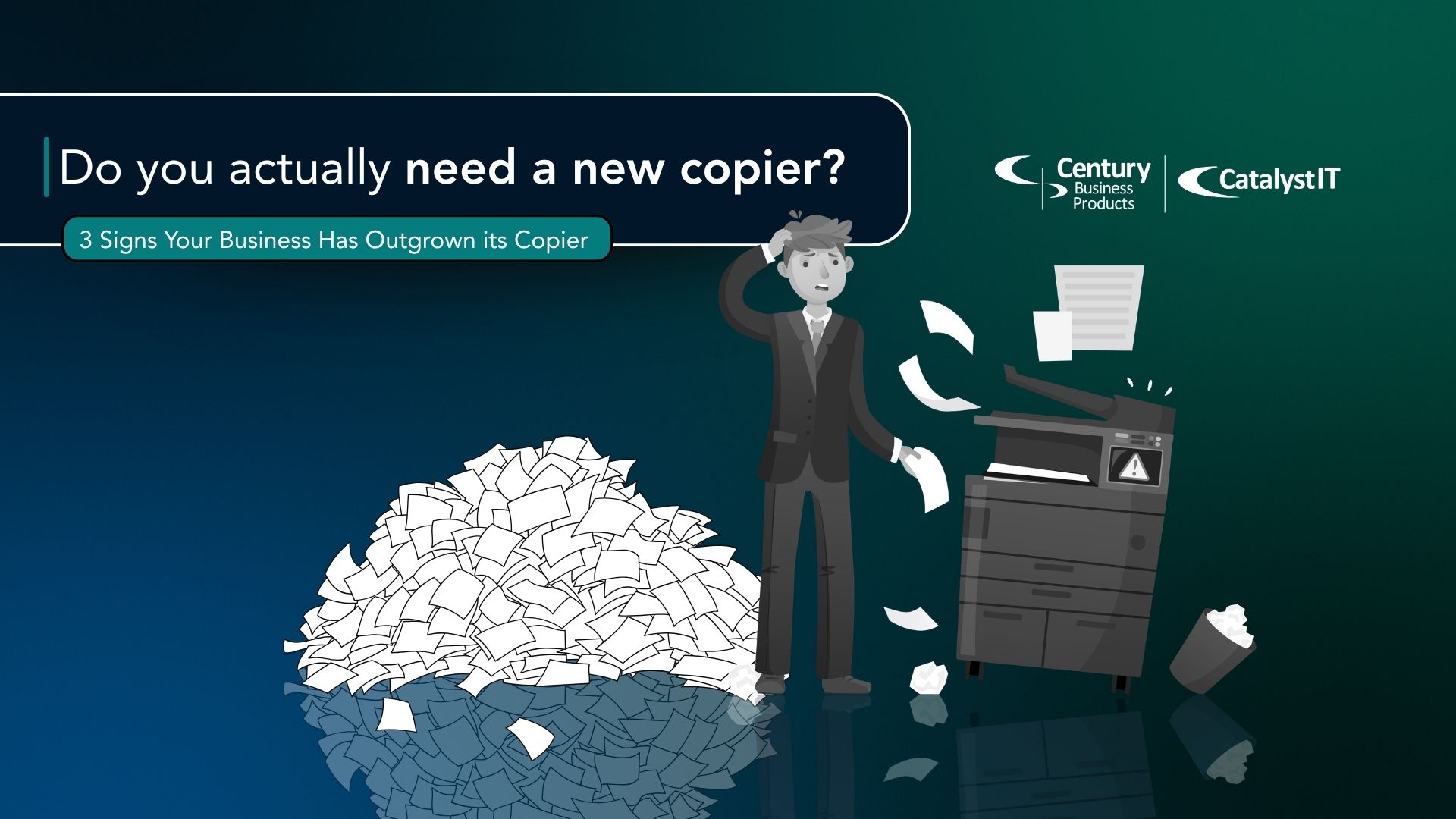
Most businesses don’t replace a copier simply because it gets old. In fact, many office copiers continue operating well beyond their expected lifespan. Some of our customers still use copiers that are more than 20 years old and operating flawlessly, usually as backup devices.
The real question is whether your current device is helping your team stay productive or quietly creating inefficiencies that cost time, money, and frustration.
As Scottsbluff businesses continue to adapt to changing technology, growing staff, and increasingly digital workflows, many organizations are discovering that the copier they purchased years ago no longer supports the way they work today.
Are you wondering if you actually need a new copier? Here are three signs it may be time to evaluate whether your current copier is still meeting your Scottsbluff business’s needs:
1. Your business has changed, but your copier hasn’t
One of the most overlooked signs that it’s time for an upgrade has nothing to do with the copier itself.
Think about how your business operates today compared to five years ago. Have you added employees? Expanded services? Increased your document volume? Moved more information into cloud-based applications?
As businesses evolve, document workflows become more demanding. The copier that once handled basic printing and scanning may struggle to keep pace with current expectations.
If employees have developed workarounds to compensate for technology limitations, that may be a sign that your equipment no longer aligns with how your organization operates.
A copier should support growth, not create obstacles to it.
2. Reliability issues are becoming routine
Every copier experiences occasional issues. That’s normal.
What’s not normal is when employees begin expecting problems.
Maybe paper jams occur several times a week. Perhaps scans fail to send. Maybe print quality fluctuates or the device requires more service calls than it did a few years ago.
Individually, these issues might seem minor. Together, they can create significant disruptions throughout the workday. Employees spend time waiting, troubleshooting, or finding alternative ways to complete their work.
When reliability becomes a recurring concern rather than an occasional inconvenience, it may be worth evaluating whether continued repairs are the best long-term solution.
3. Your copier no longer supports modern workflows or security updates
Printing and copying are no longer the only functions of office copiers. As Scottsbluff businesses grow, employees increasingly rely on cloud platforms, Microsoft 365, automated workflows, and collaboration tools to get work done.
- Scanning Workflows:
- If employees still email documents to themselves, rename files manually, move data between systems, or perform repetitive data entry, your copier may be slowing productivity. Many of these tasks can be automated.
- Follow-me print:
- A realtor spending more time driving Broadway and out of the office with clients than sitting at a desk should be able to print contracts from their phone and have everything ready for secure print release when they walk into the office.
- Security and Compliance:
- Older devices may lack critical protections such as user authentication, secure print release, encryption, activity logging, and advanced access controls.
- For healthcare providers, financial institutions, legal offices, schools, government agencies, and businesses handling sensitive information, these gaps can create compliance concerns with regulations and standards such as HIPAA, GLBA, PCI DSS, FERPA, and cybersecurity insurance requirements, making document security a business necessity rather than an afterthought.
- Parts, Maintenance, Updates:
- Even if an older Kyocera copier still works, it may no longer receive security updates, firmware patches, and replacement parts may be unavailable, increasing business risk and downtime if your copier cannot be repaired.
Your current device may still print and scan, but evolving workflows, security expectations, discontinued parts, and limited manufacturer support may indicate it’s time to upgrade.
A modern copier should improve efficiency and strengthen security—not hinder it.
So… Do you actually need a new copier?
Outgrowing a copier doesn’t necessarily mean the device has stopped working.
Often, the strongest indicators are less obvious. Your business has grown. Technology has changed. Security expectations have evolved. Employee workflows have become more complex.
If several of these signs sound familiar, it doesn’t automatically mean you need to replace your copier tomorrow. However, it may be worth evaluating whether your current equipment is still supporting your organization’s goals as effectively as it once did.
The best copier isn’t necessarily the newest model on the market. It’s the one that best helps your business operate efficiently, securely, and without unnecessary interruptions.
Interested in a free print analysis with an expert? Contact Century Business Products today to evaluate whether your current copier still fits your Scottsbluff business’s needs.